PBase Show and Tell
Show and Tell #217Past contest · read only

Treatments

Host: sandiwhiClosed: Dec 2, 2011
About this contest sandiwhi#
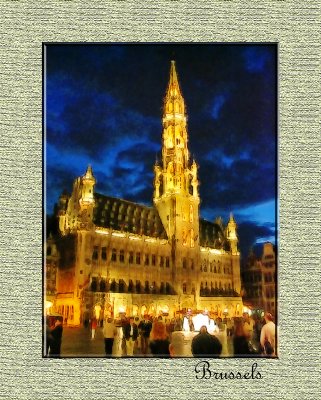
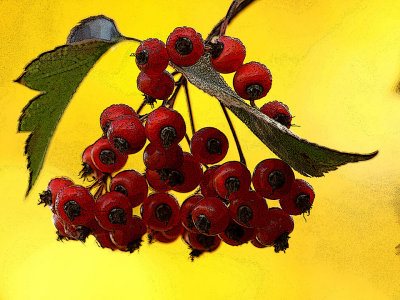
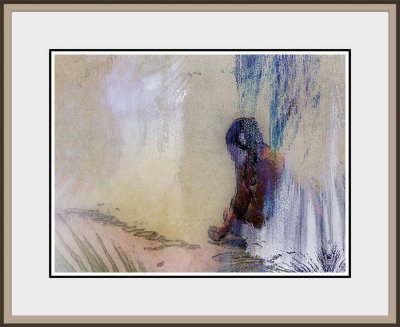
Please inspire me with your application of various photo editing plugins,software and your own treatments, to your photos. I've seen some great arty and interesting work from fellow Pbasers, and since I've been shooting closer to home lately, I find myself more interested in experimenting with various filters on new subjects. Been using mostly Nik (a San Diego company) and CS3 Filters. Show me some of your favorite treatments and how you're using them. Please be sure to mention the treatment, software/plugin(s) you used. I'll be judging on use of filters to create interesting, beautiful, unusual, moody and/or arty results. Here's some of my fun with filters. Can't wait to see yours!
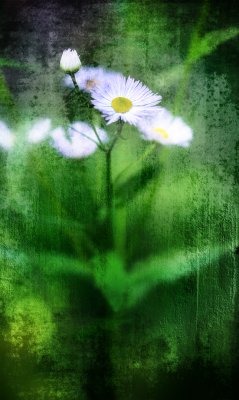
Photo 138972130
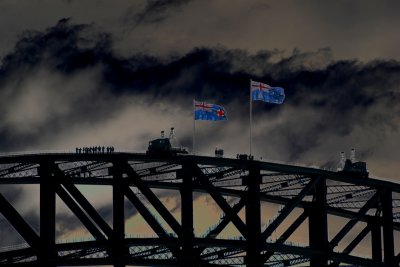
Photo 138972130
Post processing editing done with Photoshop Filters. Not sure at all which ones anymore.
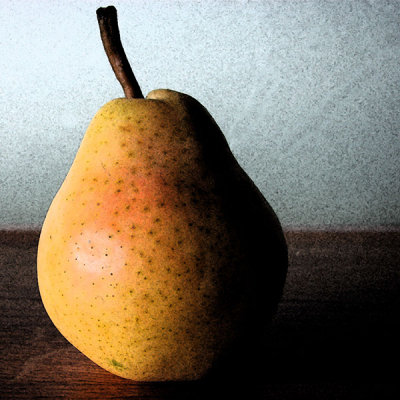
Photo 139017376
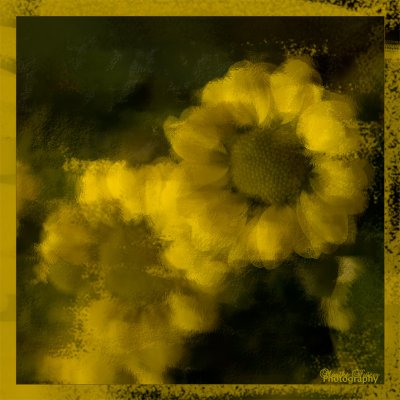
Photo 139017376
Used Nik Tonal Contrast here.
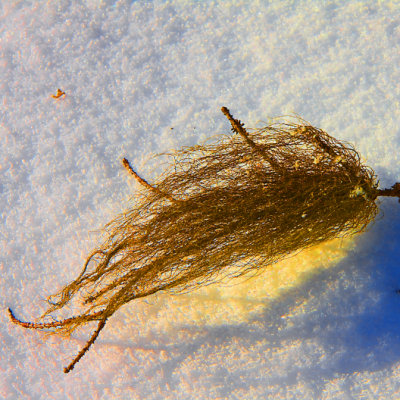
Photo 139034423
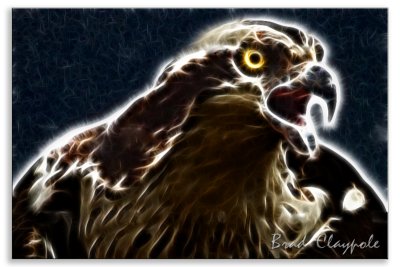
Photo 139034423
Applied Solarization in Nik editing software. Submissions will be closed on Friday the 2nd of December 2011 at 17:39:26 UTC See Competition Rules at viewtopic.php?f=9&t=44120 Posting Photos for a Contest 1. Photos must be hosted on pbase.com 2. Maximum of 3 photos per contest. 3. Photos must be embedded in your post. See the following link for how to do this http://forum.pbase.com/viewtopic.php?t=18022 4. Post only medium versions of your picture using the PB-Image button 5. The host is not eligible for their own contest. 6. Any picture you've taken is eligible, regardless of date taken and camera. 7. You can do all the post processing you want. Competition History available at viewtopic.php?f=9&t=42757
First place

irislynx

Results →
Unavailable photos (13)

The original entries and photo links are preserved.

Discussion

gillk#
I'm afraid I can't remember which filter I used on this shot - one of PhotoShop's : Photo 120250698 I hope texture layering counts under "treatments" - I have been having a lot of fun with this recently - using PhotoShop. Kettle's Boiling: Photo 131723633 Another texture layered one: Waxwing: Photo 132107409 Gill
m_hauss#
This was done with a 6x cross-screen filter that breaks light sources into star-like radiation. No extra manipulation on the computer (except a bit contrast boosting). Photo 104428775 I used photoshop elements to create this look, however I am not quite sure anymore what filter I used. Photo 111763788 This look was also created with photoshop elements via the use of a solarisation filter. Photo 111764227
heffa#
emmelafoto#
Photo 109211767 For this one I followed some steps as described in the book "Digital Collage and Painting" by Susan Ruddick Bloom Photo 68478051 For this one I used Filters Unlimited 2.0, Channel Shift Photo 59604525 One of the filters I used on this one is solarize (CS3); can't remember the rest of the proces. Maaike
bclaypole#
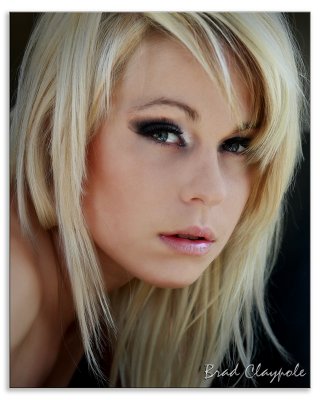
Photoshop CS2 - fractal filter Photo 134168851 Photoshop CS2 - diffuse glow Photo 111651024 Photoshop CS2 - mostly shadow/highlight to match multiple shots and 'clouds' for the sky Photo 96255725
fishit#
Best I can offer is some works I played with in the past. Photo 110352427 Photo 58945893 Photo 58571061
christophertravels#
All I have to offer is Photoshop elements Layers, spot colouring Photo 79909309 Several layers of painting effects including the plastic wrap Photo 72341857 Several layers of painting Photo 72072248
oldhiker#
This is done with the poster edges filter in Photoshop Elements. Photo 139950246
jojie_alcantara#
Photo 104293198 Photoshop using Nik Color Efex Pro (glamour glow, paper toner, midnight mix) Photo 104591087 Photoshop and effect using Nik Silver Efex only Photo 130023658 Photoshop using grayscale, tonal contrast, slight sepia, erased black eyeballs of "ghost" :D :D
irislynx#
Photo unavailable I used an older Paint Shop Pro 7 program to work on this image, I used the Colorize tool 3 times for the Sky, Ocean, And Sand and also used the Colored Pencil Tool.
bartoszkotulski#
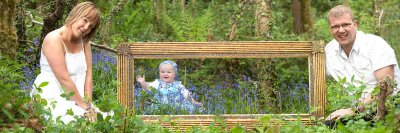
1. 2 lights from left and right. 3 photos taken to make a HDR. Photopatix to create HDR . I used several filters to create this tones and colors.Not sure at all which ones anymore. Photo 137476076 2.13 photos put together in PS3. First two portraits of me and my wife. Next portrait of my daughter and another photo of woods from the right to create panorama.9 photos to capture the frame in the forest(HDR in photomatix). PS3 made rest of the work. I pasted the panorama photo with my daughter into the frame. After all i printed photo 120x40cm and put into the original frame. Now is hanging above my fireplace. Photo 134355935
irislynx#
Photo unavailable Paintshop Pro 7 .. Used a Colored Pencil Tool, Slight Blurring on the petals, And a small light Sunburst
irislynx#
Photo unavailable Paintshop pro7 program, Used the Colored Pencil tool.
berndk#
The result of a different kind of "filter". I taped pieces of aluminum foil to sheet of paper (the tape can be seen in the image) and ran that substrate through an inkjet printer with the mirror image. The aluminum foil and tape do not absorb the ink, which pearls on the surface. While the ink is still wet, the image is transferred to a normal sheet of inkjet paper by pressure. Photo 66383160 The look and feel in the following comes mainly from layering "Soft Watercolours" and "Abstract Painter" from FilterForge: Photo 92131978 I don't remember the processing: Photo 92715491
viljamix#
Cold, Cold Heart Photo 52455201 Can't remember which filters was used, but they weren't Photoshop's own though. If my memory serves me right I used two different plug-ins; the first one to create the mirror image and the other one together with PS's selection tools to create the icing effect. The original image that I used for this one can be found by following the picture link in my gallery. Puzzled Photo 47233182 For this one I used Xenofex 2 plug-in to create the puzzle effect and Filters Unlimited for the frames. The pieces were selected by the Lasso Tool, cut off, rotated a bit, and relocated. The original image that I used for this one can also be found by following the picture link in my gallery. Resting Photo 108516646 Nik's Silver Efex Pro (I guess), and ReDynamix plug-in from Mediachance was used for this one.
kirstenmary#
Just a Flower in the Yard: These are my own actions. I had a picture of a slate that I photographed and then merged using layer "multiply." That gave me the texture. I blurred the background to merge all of the greens together, and I sharpened the flower where I wanted clarity. I burned the petals to give me more detail, and I made an action for the blur/ sharpen/ dupe layer to save me a little time. Photo 107606755 Jordan: I made a Soft Focus action for portraits in CS3, and then I converted this into a BW and high keyed it by adjusting the contrast. Photo 88344391 Dillan: For this one, I used two CS3 actions from RadLab. One for burning the edges, and one for popping the color. This is the first time I have tried NOT doing an action myself. Photo 139970857
a_zeitler#
lambsfeathers#
Photo 56937570 (Photoshop CS2) Radial blur; it looked a bit like this anyway Photo 38221027 (Photoshop CS2) "Smart blur" in an attempt to make it look more like a Monet. Photo 67478505 (Photoshop CS2) An exercise in symmetry using flips and rotations, then joining it all up.
chasp#
Photo 90542539 Slight desaturation and HDR processing in CS5 Photo 130100986 3 image HDR of an abandoned Beech Bonanza on a frosty November morning. Photo 64265528 Application of "Palette Knife" filter in CS5, boost in saturation, and creation of frame using home made CS5 Action.

Photo viewer